
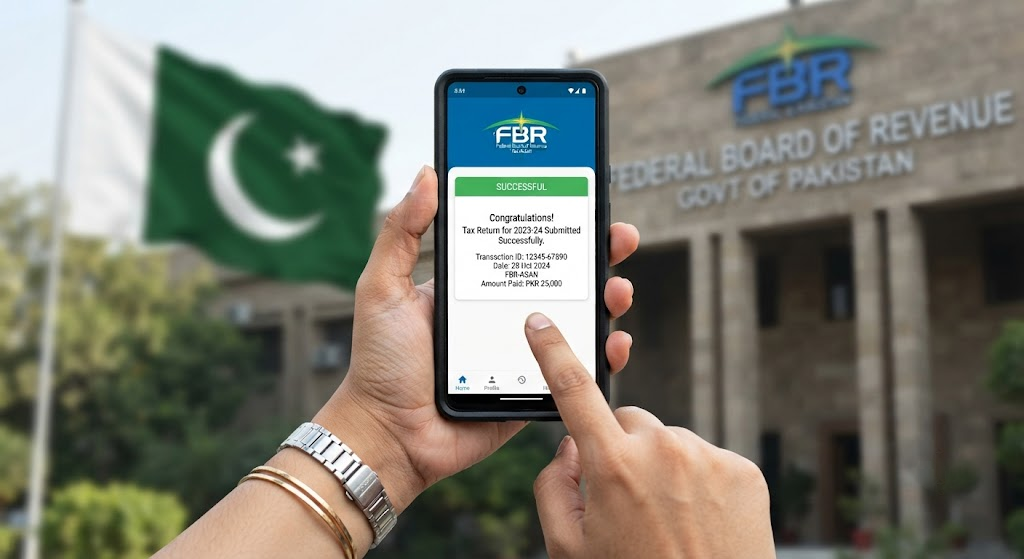
Becoming a registered filer with the Federal Board of Revenue (FBR) is a critical step for any Pakistani taxpayer. It not only ensures you are compliant with the law but also unlocks significant financial benefits, such as lower withholding tax rates on banking transactions, property purchases, and vehicle registration. Many individuals delay this process due to the technical jargon, but the digital system has made it quite straightforward. This step-by-step guide will walk you through the exact process of registering on the FBR portal, obtaining your NTN (National Tax Number), and officially joining the Active Taxpayer List (ATL).
Prerequisites: Ensure you have your valid CNIC, mobile number registered in your name, and a recent passport-sized photograph.
Step 1 – Portal Access: Visit the FBR IRIS portal and select “New Registration” for individuals or sole proprietors.
Step 2 – Form Filling: Accurately fill out your personal details, employment status, and residential address (this must match your CNIC).
Step 3 – Verification: Submit the form and await an SMS verification code from FBR to finalize your profile.
Step 4 – Filing Returns: Once registered, learn how to file monthly sales tax returns and annual income tax returns to maintain your ATL status.